CLIPCPMUpdated14m agoStrategies by email
Descript logo

Edit the story

Descript for podcast clips: edit the story through the transcript

Descript is a strong candidate when the difficult part of clipping is shaping what someone says. Its text-based approach lets you work through a recording as a transcript, while its clip-creation tools help find shorter extracts. That makes it relevant to podcast editors who need to revise the story as well as package it vertically.

Explore Descript ↗

By ClipCPM · Public-source guide
Sources checked November 12, 2026

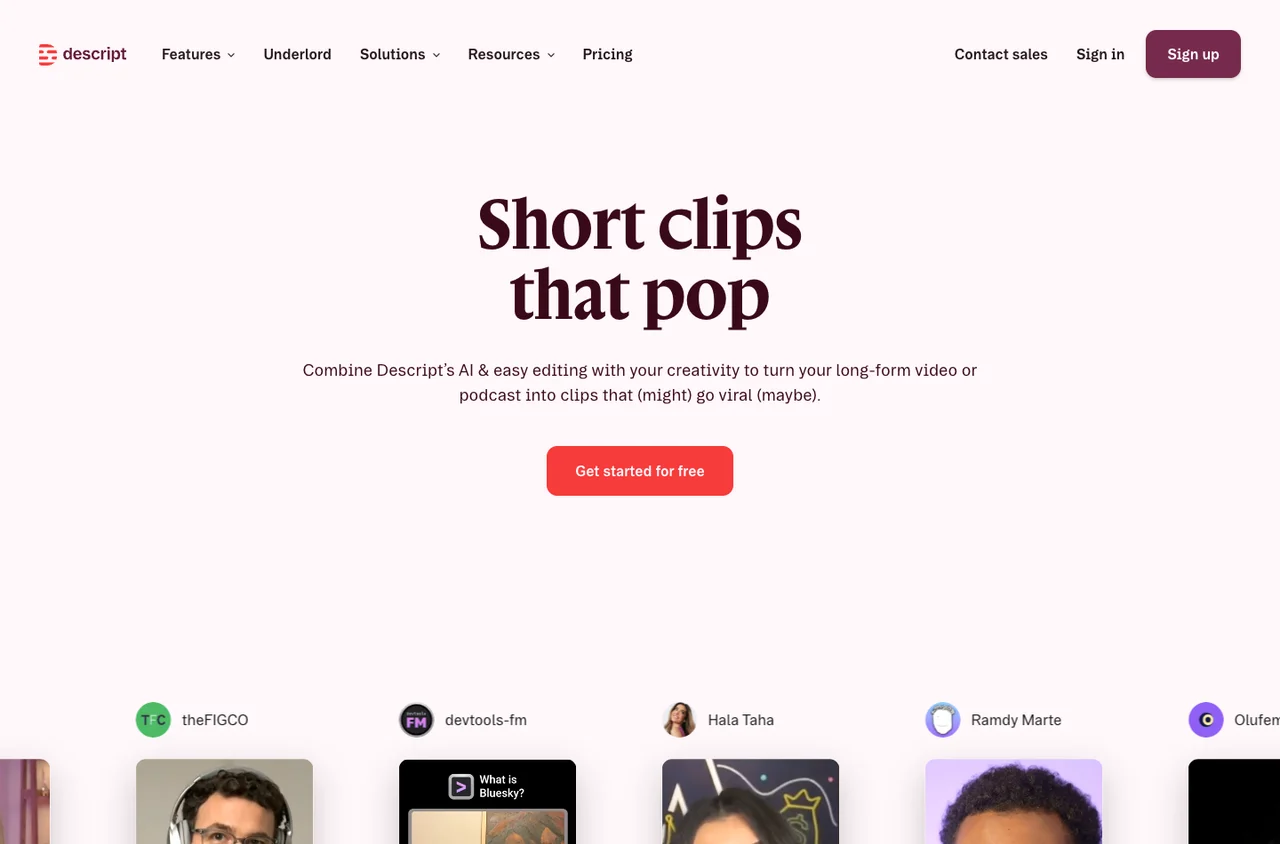
Descript public website, captured November 12, 2026
Public website, captured November 12, 2026. Source: Descript. Select to enlarge.

Why transcript editing changes the job

The Descript product overview puts text-based editing at the center of its approach. Instead of locating every sentence by listening and scrubbing, you can use the words to navigate the material. That is particularly useful when a guest returns to the same subject several times during a conversation.

Suppose a guest explains a mistake, wanders into an unrelated anecdote, then explains what they changed. A transcript makes those pieces easier to locate. The editorial challenge is deciding whether a cut between them preserves the original meaning and sounds natural. Read the text, but make the final decision by listening.

Do not remove every pause simply because it appears unnecessary on the page. A beat before a punchline, a hesitation that communicates uncertainty or a breath between ideas can be part of the performance. A fast transcript edit can become a rushed spoken edit.

From an AI suggestion to a finished podcast clip

Descript’s clips page describes AI-assisted selection through Underlord, followed by editing and visual customization. Its examples combine clip selection with captions and different formats. The useful distinction is that selection is a starting point inside a broader editing environment.

For each candidate, check the original question, the selected answer and the next sentence. A sentence that sounds like an unconditional recommendation may have a qualification immediately after it. Preserve that qualification or reject the candidate.

Then make the visual edit. With a two-person interview, keep the responding speaker visible and check whether a reaction shot improves comprehension. If you add illustrative footage, it should explain the statement rather than imply an event happened when it did not. That decision matters more than the number of effects in the editor.

The company behind the transcript-first approach

Andrew Mason’s Descript author profile identifies him as CEO and founder, following earlier work at Detour and Groupon. His public product posts cover changes to editing and recording. This founder-led documentation is useful for understanding the direction of the software, although it is not an independent performance test.

Descript’s about page describes both solo work with its AI co-editor and team collaboration. For a clipping operation, the practical question is whether one person edits the full recording and another produces the shorts. Keeping both jobs close can reduce repeated transcription and file transfers, but only if project access and review responsibilities are clear.

“Descript finished the task quickly and efficiently!”

What a public review can—and cannot—tell you

In an October 6, 2026 G2 review, Alex M., an engineer, reports that transcription saved time on a video-to-document task. The same review mentions awkward formatting when copying text and a mismatch between a requested presentation and the output. G2 labels it organic and validated.

That experience supports a narrow takeaway: useful transcription can coexist with friction in the next step. It does not establish caption accuracy for your accent or the quality of an edited podcast. We have not measured those in an authenticated project.

When evaluating reviews, separate recording reliability, transcription, AI generation and export behavior. Someone happy with a transcript may never have produced the kind of vertical video you need. Someone unhappy with a presentation feature may still have found the editor useful.

Descript versus a dedicated clipping tool

If you only need a first pass through a large archive, compare OpusClip or Vizard on the same source. If you need to reshape an interview, revisit individual lines and prepare both the full episode and its clips, Descript deserves a closer look.

Use one deliberately difficult passage for the comparison: overlapping voices, a brand name and a pause that changes the delivery. Time the cleanup after automatic processing, not just the processing itself. A fast first result that requires a complicated repair may be slower overall.

Review the current pricing for media and AI allowances, export needs and collaborators. Before committing a whole series, finish one export, reopen the project and make a requested revision. For campaign clips, finish with the brief and eligibility check; an editing subscription is not permission to reuse a podcast.

Sources behind this guide

Product documentation establishes features. Reviews describe individual experiences and are attributed in the article. Website captures and vendor illustrations are public marketing material, not screenshots of our own connected account.