
Start with the questions your audience would ask
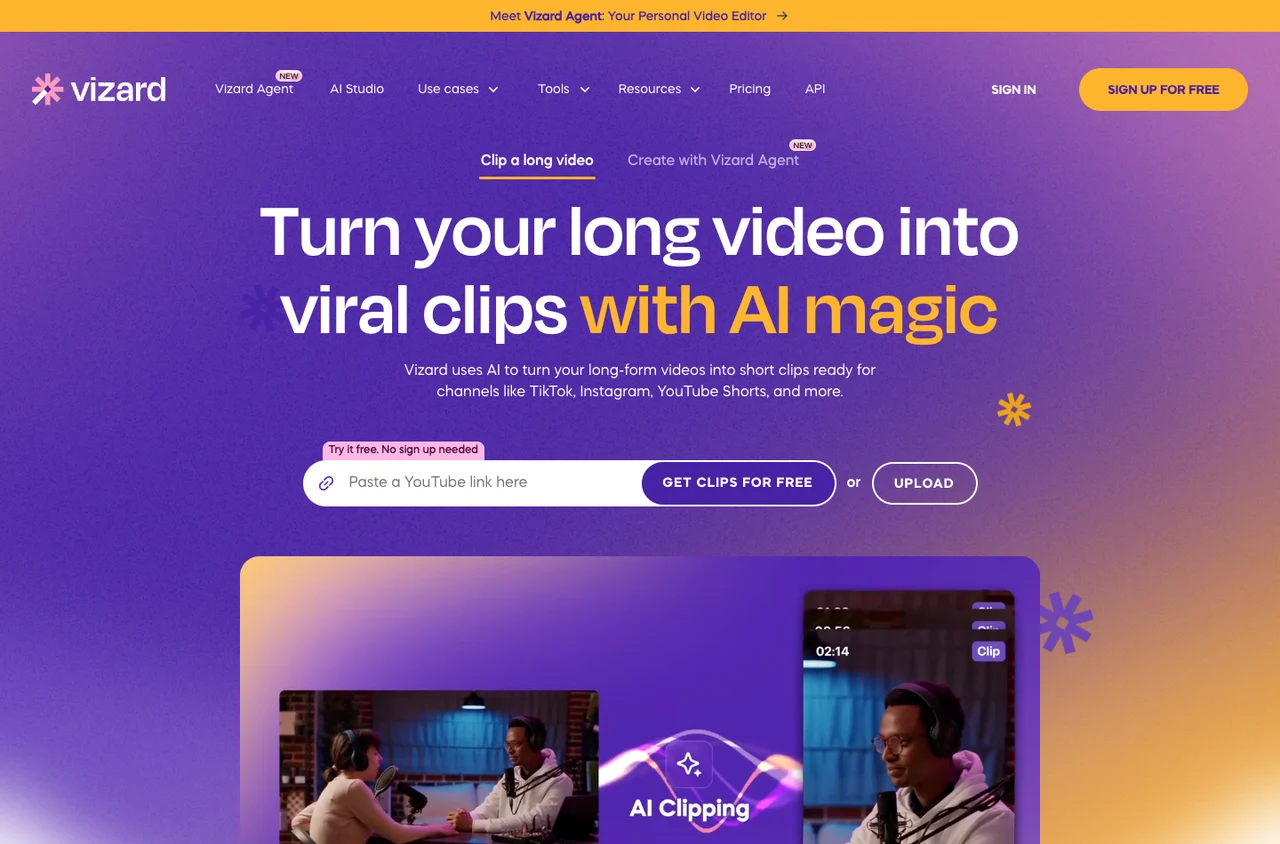
Vizard’s getting-started guide describes automatic highlight detection, captions and a text-based editor for selecting moments manually. Those are complementary tools: automatic selection creates candidates, while transcript editing helps you find a specific explanation the first pass missed.
For a forty-minute webinar, make a short list of audience questions before importing the recording. For example: what does the product replace, what mistake does a beginner make, and what should someone do first? Each clip should answer one question. Three coherent answers are more useful than a batch of fragments with attractive subtitles.
A slide-led webinar adds a second problem. If the speaker says “look at this chart,” a portrait crop that shows only their face loses the explanation. Review the visual context as carefully as the words; keep the slide legible or choose a different excerpt.
How to evaluate captions and reframing
Vizard’s public website demonstrates long-to-short conversion and vertical clips. Automatic reframing can reduce repetitive work, but the difficult cases are more revealing than a centered talking head. Try a speaker walking across the frame, two people interrupting each other and a shared screen with small labels.
Build a small vocabulary list from the brief: creator names, game titles, brand names and specialist terms. Search the generated transcript for those words, correct them, and listen again. A correctly spelled caption with the wrong timing is still a distraction.
Keep a consistent visual style across the batch, then give each clip its own opening. Reusing a caption template is efficient; repeating the same introductory sentence across every post makes the content feel interchangeable.