
CLIPCPMUpdated14m agoStrategies by email
VEED logo

Edit the story

VEED for short-form video: clips, subtitles and browser editing

VEED brings trimming, subtitles and other finishing work into a browser editor, with AI Clips available for extracting shorter videos from longer sources. It is worth evaluating when you want to make several kinds of small edits without passing a file through separate apps. The key question is whether the editor handles your recurring corrections comfortably.

Explore VEED ↗

By ClipCPM · Public-source guide
Sources checked November 12, 2026

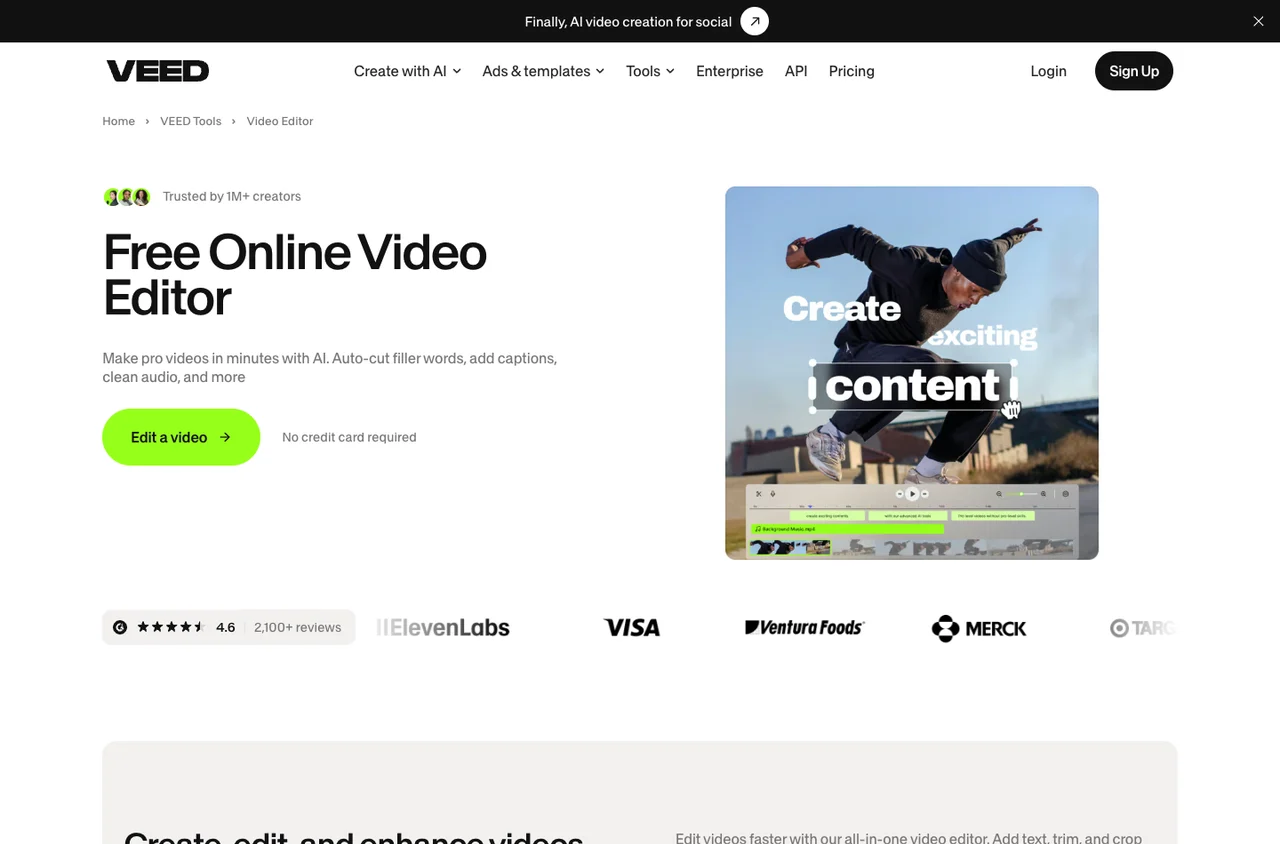
VEED public website, captured November 12, 2026
Public website, captured November 12, 2026. Source: VEED. Select to enlarge.

From a long source to an editable short

The VEED Clips help guide describes uploading a video, choosing a clip goal and maximum length, then opening a generated clip in the full editor. That last step matters: a suggested highlight should remain editable when the cut, caption or crop needs attention.

Choose a goal that matches the brief. A teaser can leave a question open to drive interest in the original video; a standalone explanation needs to deliver its answer inside the clip. Those are different editorial jobs even when they use the same source.

For a music or creator campaign, separate editing existing footage from generating new imagery. VEED offers both kinds of tools, but a campaign that permits clipping an approved recording may not accept invented scenes or a synthetic performance. The brief should determine which features belong in the project.

The finishing work that makes a browser editor useful

VEED’s video editor page shows transcript-based editing, subtitles and audio-related tools. A practical test is a clip with one misheard name, an awkward pause and a crop that needs changing. Finish those corrections, export, then reopen the project for a revision.

Check whether a saved caption style actually reduces work across several clips. Consistent font size and placement help a series feel coherent, but long names and different framing still require attention. Do not shrink every caption just to fit the longest sentence.

Browser convenience also changes the work environment. Use the computer and connection you expect to edit on, and test a source file similar in length and resolution to your real projects. A short demonstration on a marketing page does not establish how a full client recording will behave.

Who built VEED?

The company’s about page identifies Sabba Keynejad and Tim Mamedov as co-founders and dates the company’s start to March 20, 2018. It describes a designer-and-engineer partnership focused on making video creation more accessible.

The current product spans traditional editing and generative video. For a clipper, a broad feature set is helpful only when it simplifies the work you actually do. Paying for many generation options may make less sense than a focused editor if your campaign requires original supplied footage throughout.

“Intuitive, Fast Video Creation for Music Promotion”

A creator’s review, with its incentive disclosed

On G2, independent artist RythmCode . described using VEED for lyric videos and short promotional content on September 30, 2026. The reviewer liked accessible editing and captions but wanted more advanced animation controls and reported occasional longer rendering on larger projects.

G2 labels that review incentivized and collected through a seller invitation. It is an attributed customer account, not independent testing by ClipCPM. Its relevance is the music-promotion workflow; it should not be turned into a blanket promise about every export or a claim that the product is always fast.

The useful follow-up is to test the limitation described. If your brief depends on precise motion graphics, try that edit before subscribing. If you only need a clean cut, readable subtitles and an approved sound, advanced animation may be irrelevant to your decision.

VEED versus CapCut or Kapwing

Compare CapCut when hands-on timeline editing is the main job. Compare Kapwing when shared browser work and repeated branded versions matter. With VEED, test whether the path from AI-selected clip to manual correction is short enough to save time.

Use the same clip in each trial and keep the output requirements fixed. Count how many corrections remain, how long the export takes and whether another person can understand your project when they open it. A tool that feels easy for the first cut can become frustrating during revisions.

Before choosing a VEED plan, confirm the export quality, watermark rules, subtitle allowances and AI features your workflow uses. Then check the campaign’s rejection risks. A polished file still needs the correct source, framing and submission details to qualify.

Sources behind this guide

Product documentation establishes features. Reviews describe individual experiences and are attributed in the article. Website captures and vendor illustrations are public marketing material, not screenshots of our own connected account.