
CLIPCPMUpdated14m agoStrategies by email
Kapwing logo

Edit the story

Kapwing Repurpose Studio: topic-focused clips and team revisions

Kapwing’s Repurpose Studio is designed to turn one source video into several shorter clips and keep those clips editable in its browser studio. Its appeal is the connection between selection and finishing: choose an angle, refine the transcript and layout, then produce versions for different channels. For a team, the quality of that revision process matters as much as the first automatic cut.

Explore Kapwing ↗

By ClipCPM · Public-source guide
Sources checked November 12, 2026

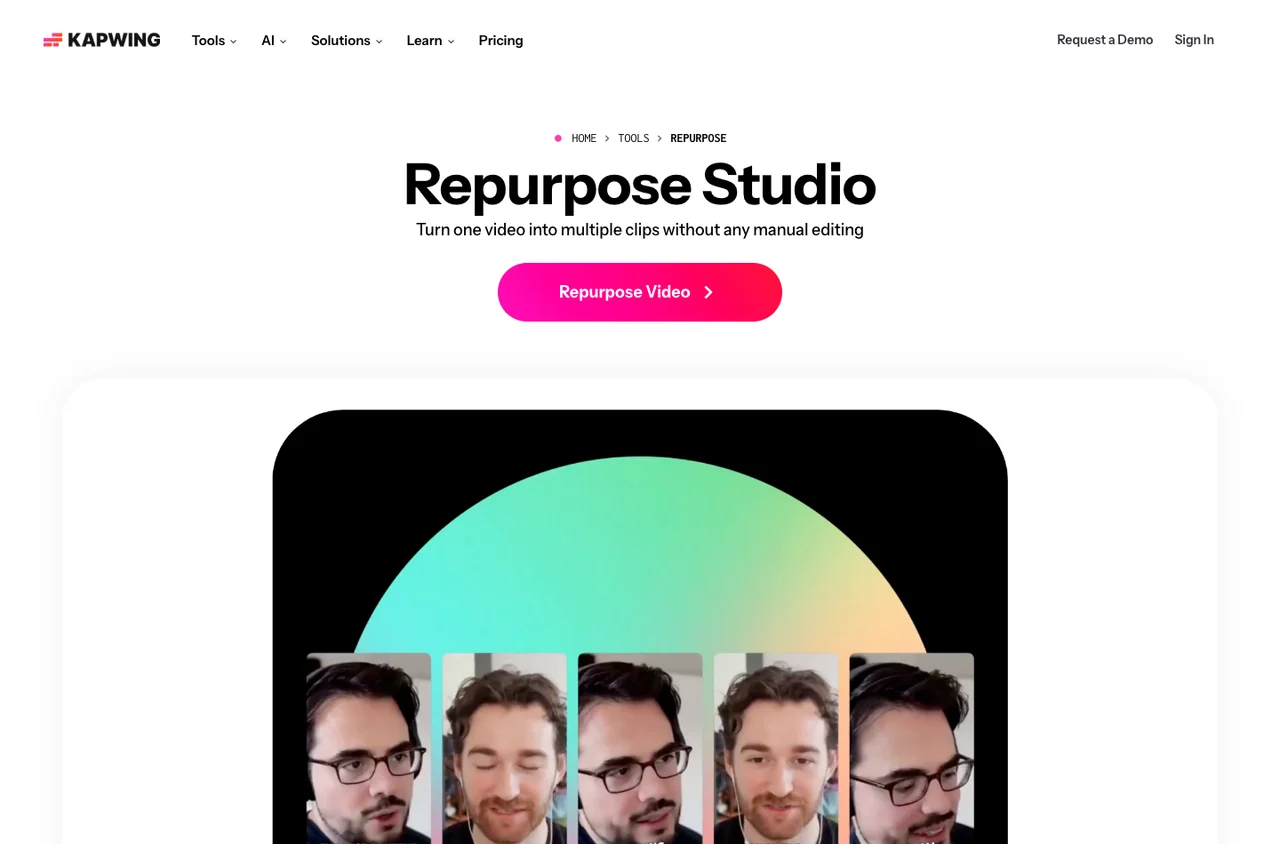
Kapwing public website, captured November 12, 2026
Public website, captured November 12, 2026. Source: Kapwing. Select to enlarge.

Give each clip a topic, not just a duration

The Repurpose Studio page describes prompts for topics and clip lengths, transcript-based cutting, resizing and a Brand Kit. That combination is relevant when one recording contains several stories or needs to serve different audiences.

For example, a founder interview might contain a product explanation, a hiring lesson and a customer story. Those should become separate editorial briefs. Asking for three thirty-second clips without specifying the angle can produce technically short videos that compete with one another or omit the most useful context.

After selection, revise the opening for the viewer’s starting knowledge. Existing followers may recognize the speaker and product. A new viewer needs enough context to understand why the answer matters. Keep that context concise, but do not remove it merely to reach a target length.

Use shared styling without making every clip identical

Kapwing’s product page describes control over templates, subtitles, aspect ratios and other presentation elements after generation. A brand kit can reduce repeated formatting, especially when several editors work on the same series.

Set the common decisions once: approved type, colors and logo treatment. Make the individual decisions per clip: the first sentence, speaker framing, caption breaks and the closing frame. A campaign about gameplay should not inherit a talking-head layout just because it was the last template used.

For revisions, give feedback against a specific moment and desired result. “Keep the chart visible while she explains the number” is actionable. “Make it more viral” is not. A browser editor is most useful to a team when the review process is equally clear.

The founders’ perspective

In a public company blog post, Julia Enthoven describes founding Kapwing with former coworker Eric Lu and reflects on building the business. It provides direct founder context rather than a biography assembled from unrelated directory listings.

That history helps explain Kapwing’s broad focus on accessible creation. It does not establish that every editing workflow is equally mature. A clipping team should evaluate the specific path from source to reviewed export rather than treating the company story as a product score.

“Easy Drag-and-Drop Editing”

Jeremy Y. · January 28, 2026Organic, validated G2 review title. Other reviewers report export and support problems; both perspectives are discussed here.

Customer experiences disagree about the final export

Two G2 reviews illustrate why a real export test matters. Jeremy Y., a digital marketing specialist, praised drag-and-drop editing and batch export on January 28, 2026, while finding fewer capabilities than other editors. Derick D., a co-founder, also found editing and subtitles easy but reported failed exports and poor support on August 10, 2026.

Both are labelled organic and validated by G2. They describe contrasting individual experiences, not a controlled reliability study. It would be misleading to retain only the praise or to present one reported failure as the experience of every customer.

For a deadline-driven campaign, the practical response is to complete a representative export before committing the batch. Keep your original media and a record of important cuts so an export problem does not strand the work. We have not measured export reliability ourselves.

When to compare another tool

If your main task is finding moments in a long archive, compare a dedicated clipping workflow such as OpusClip. If your main task is precise editing on a phone, compare CapCut. Kapwing is especially relevant to evaluate when multiple versions and browser-based revisions are central to the job.

Check the current pricing against your source length, required output quality, AI usage and team access. A plan comparison should include the people who need to revise a project, not just the person who uploads it.

For the first test, use one source, two aspect ratios and a genuine revision request. Export both versions, inspect captions at phone size and make sure neither loses a critical visual. Then compare the result with the campaign brief. The software should reduce coordination work while leaving the editorial decision visible.

Sources behind this guide

Product documentation establishes features. Reviews describe individual experiences and are attributed in the article. Website captures and vendor illustrations are public marketing material, not screenshots of our own connected account.