
What OpusClip actually adds to a clipping workflow
The ClipAnything product page describes selection using visual, audio and emotional cues, with prompts for specific scenes or subjects. That broadens the job beyond searching a spoken transcript. A reaction, a physical action or a change on screen may matter even when nobody says a memorable sentence.
For a podcast campaign, try a brief such as: find the guest explaining the mistake they made on their first launch, including the consequence. A useful result needs the setup and the payoff. An isolated sentence about a mistake is not enough. This is an example of how to evaluate the tool, not a prompt we have benchmarked in a connected account.
The same source describes reframing to vertical, square and landscape formats. Check the result when two people speak, someone moves, or a screen demonstration matters. A centered face can still be the wrong crop if the viewer needs to see the object being discussed.
The editorial pass an AI shortlist still needs
Open each candidate beside the original recording. Listen to the preceding question and the next answer. Remove a candidate if its cut changes the meaning, withholds an important qualification or creates a promise the speaker did not make. This matters especially for health, financial and product claims.
Then watch the clip without knowledge of the creator. Does the opening identify what is happening? Can a new viewer follow pronouns such as “it” or “that”? Is the payoff present before the cut ends? Caption styling cannot repair a story that starts halfway through its premise.
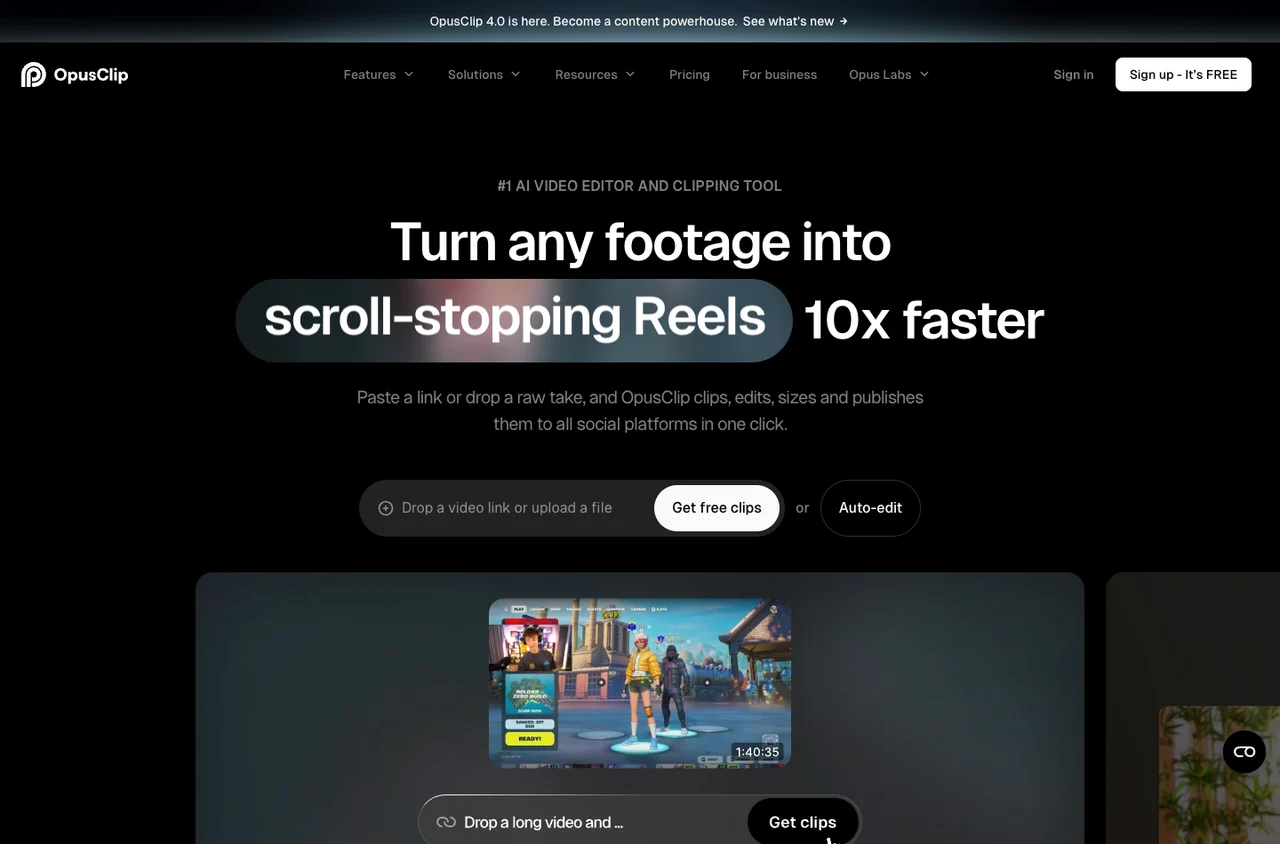
OpusClip’s website promotes predicted virality and faster production. Treat those as product positioning. For your own test, count the clips you would actually publish after review, and record total time from upload to usable export. Generating twenty candidates is not the same as producing twenty usable posts.