
Automatic posting and reminders are different workflows
Buffer’s Instagram publishing guide distinguishes automatic publishing from notification publishing. With the latter, a reminder prompts you to complete the post using your phone. A scheduled reminder is not a successfully published video.
The notification guide explains that particular music and native-app features can require that handoff. Current support also depends on how the account is connected. Do not assume every Reel needs manual posting, or that every music-containing Reel can publish automatically.
For a campaign requiring a specific sound, test the exact account and post configuration before filling a week of slots. Write down who will receive any reminder and who checks the published post. Otherwise an apparently complete calendar can hide unfinished work.
Build a queue that survives revisions
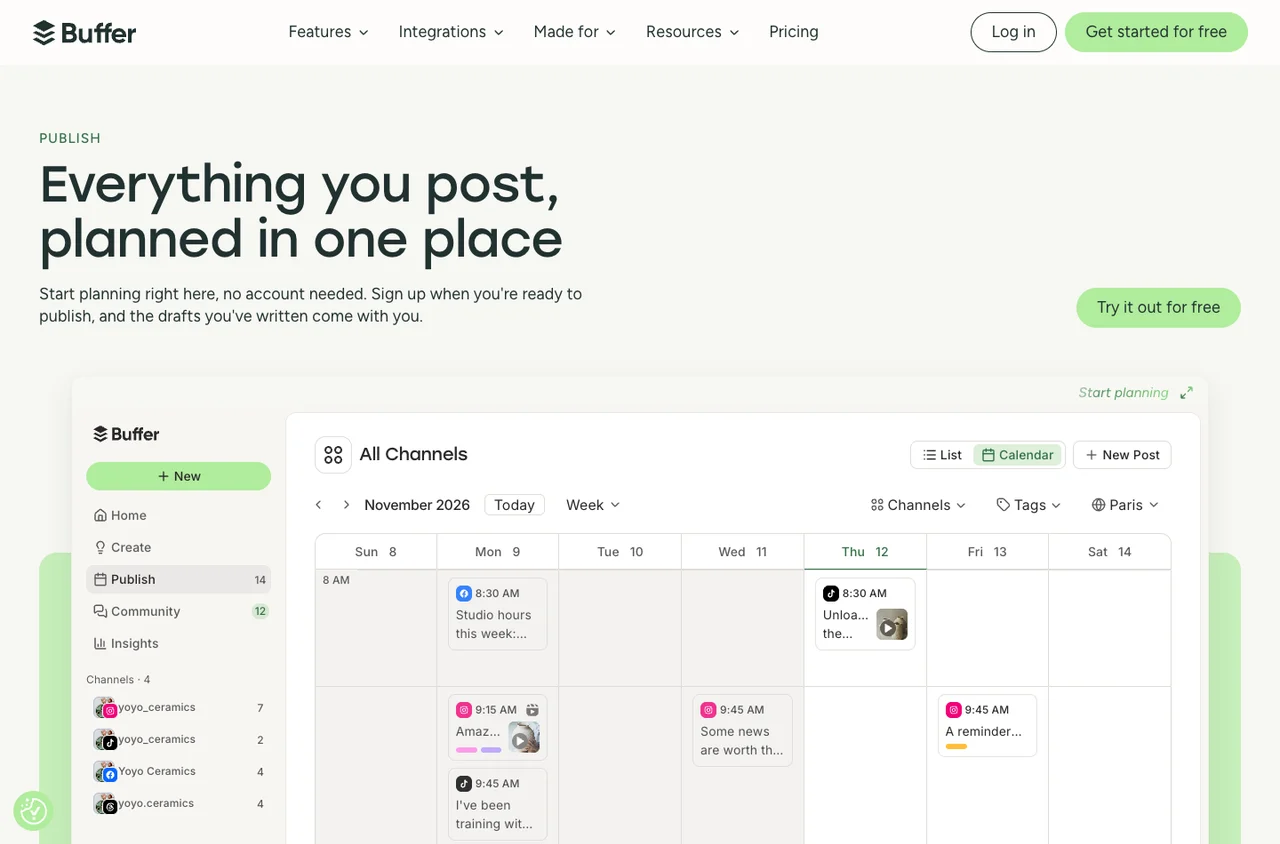
Buffer’s publishing page shows a calendar and queue for organizing posts. Use those to separate prepared content from content that has actually gone live. Keep the final file, platform-specific caption and campaign reference together in your own workflow.
For example, one clip may need different captions on TikTok and Instagram, while a campaign requires a particular mention or sound. Review each destination rather than copying a single generic post everywhere. If the brief changes, update every scheduled version before the first one publishes.
Avoid filling the calendar simply because there are empty slots. Schedule the clips that meet the brief and add something distinct. A queue of repeated weak edits does not become a content strategy because the times are evenly spaced.