
CLIPCPMUpdated11m agoStrategies by email
Eklipse logo

Find the moment

Eklipse for gaming clips: supported games, VODs and highlight quality

Eklipse is built around finding highlights in streams and turning them into short videos. For a streamer, the attraction is avoiding another full watch of a long VOD after going live. The real test is whether it finds the moments your audience cares about and keeps enough of the setup for the play to make sense.

Explore Eklipse ↗

By ClipCPM · Public-source guide
Sources checked November 12, 2026

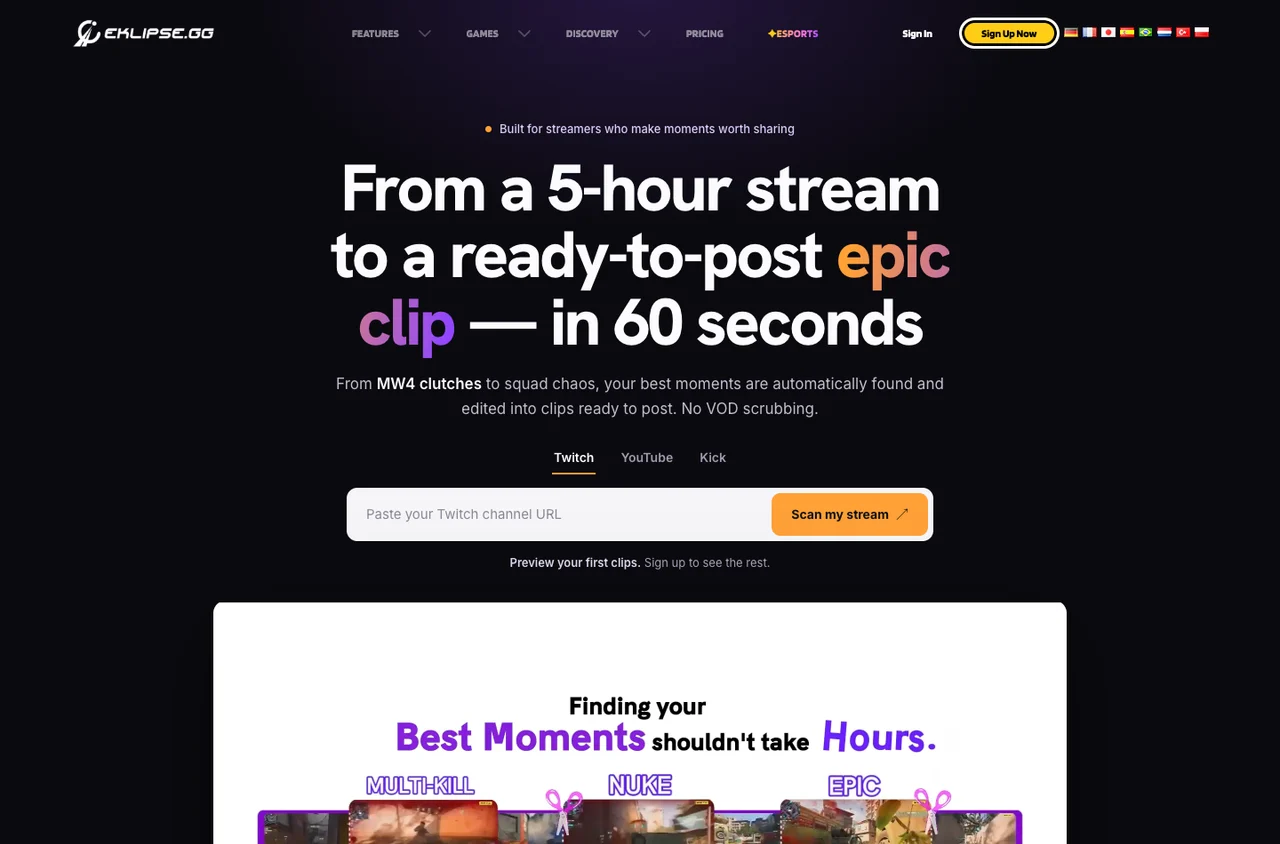
Eklipse public website, captured November 12, 2026
Public website, captured November 12, 2026. Source: Eklipse. Select to enlarge.

Check your game before judging the tool

Eklipse’s public product site describes gaming highlights, vertical conversion and publishing tools. Its game-support help page explains that access can vary by game and plan, including games reserved for paid tiers.

Use the supported-games directory to check your exact title and access level before paying. A broad claim about supporting many games does not answer whether the game you stream has the detection workflow you need today.

Also distinguish a supported game from a useful highlight. A routine win, an unusual strategy and a funny failure are different editorial targets. If your channel depends on quiet explanation rather than excited reactions, include that material in the evaluation instead of testing only your loudest moment.

A gaming clip needs the setup and the result

A highlight often starts before the dramatic action. The viewer may need to see the low health, the final opponent or the risky position to understand why the result matters. Cutting directly to the elimination can remove the reason to care.

After detection, review the start and end against the VOD. Keep the visible result long enough to register, then remove the empty aftermath. If a teammate’s voice is essential to the joke or strategy, make sure it remains intelligible in the clip.

Portrait conversion is a separate judgment. Keep the relevant gameplay visible and place the face camera where it does not cover the action, score or inventory. Test the actual game layout at phone size. A template suitable for one game can conceal the decisive information in another.

Company and community context

The Eklipse about page describes a streamer-focused product for Twitch, Kick and YouTube and connects its roadmap with user requests. Its help center links to an official Discord for support and game requests. Those links establish where the product’s community lives; they do not give us access to private conversations.

The public documentation is more useful for this decision than an unverified founder biography. We did not establish a named founder from the sources used here, and have not treated similarly named companies as the operator of eklipse.gg. No private Discord announcements or Whop reviews are presented as evidence.

What streamer feedback reveals—and leaves unresolved

In a public r/Twitch_Startup discussion, Shack70 described an unsatisfactory demo experience and felt the selection favored excited microphone moments. Another participant, AuraAuraVT, argued that reviewing your own VOD teaches you about overlays, microphone settings and editing.

Those are informal, unverified community accounts. The page displayed them as approximately five months old when checked on November 12, 2026; we have not inferred an exact posting date. The comment about selection is a user’s interpretation, not a verified description of Eklipse’s detection model.

The useful lesson is to test both an obvious reaction and a quieter, visually important play. Automation can help search an archive while still missing the clip that best represents your channel. Reading only testimonials selected by the vendor would miss that question.

A fair Eklipse trial for your own stream

Choose a VOD you already know well and write down three moments before processing it: a strong play, a funny exchange and a useful explanation. Compare the returned candidates with that list, then check whether the editor lets you fix their boundaries and framing without excessive work.

Record the time spent reviewing discarded clips as well as finishing the good ones. If you must rewatch the whole source to recover missed context, the headline automation benefit may not translate to your workflow.

For paid work, use the campaign brief to check source permission and acceptable edits. A streamer’s public VOD is not automatically available for a paid campaign. If you already have exact timestamps, a manual editor such as CapCut may be a simpler finishing step; if the source is an interview, compare a speech-oriented tool as well.

Sources behind this guide

Product documentation establishes features. Reviews describe individual experiences and are attributed in the article. Website captures and vendor illustrations are public marketing material, not screenshots of our own connected account.